
Universität Graz on Overleaf
Overview
Overleaf ist ein cloudbasierter LaTeX-Editor, der die gemeinsame Erstellung, Bearbeitung und Veröffentlichung von wissenschaftlichen Dokumenten unterstützt.
Studierende der Universität Graz erhalten eine Overleaf-Free-Lizenz. Diese beinhaltet folgende Funktionen:
- unbegrenzte Zahl an Projekten
- in Echtzeit mit einer anderen Person zusammenarbeiten
- Templates nutzen
Mitarbeiter:innen der Universität Graz erhalten kostenlos eine Overleaf-Professional-Lizenz (Overleaf Commons). Zusätzlich zu den Funktionen der Free-Lizenz ermöglicht diese:
- unbegrenzte Zahl von Autor:innen für Dokumente
- Zusammenarbeit mit anderen Personen in Echtzeit
- Änderungen in Echtzeit verfolgen
- vollständiger Versionsverlauf
So erhalten Sie Ihre Lizenz: Klicken Sie unten auf die Schaltfläche Log in with SSO. Melden Sie sich dann via uniLOGIN mit Ihrem uniACCOUNT an.
Sollten Sie bereits ein Overleaf-Konto besitzen, können Sie dieses mit dem uniLOGIN der Universität Graz verknüpfen und erhalten so eine Overleaf-Lizenz der Universität Graz.
Mehr Informationen zu Overleaf erhalten Sie auf der Overleaf-Serviceseite.
Es gelten die Datenschutzerklärung und Nutzungsbedingungen von Overleaf (Digital Science UK Limited): https://www.overleaf.com/legal
Hinweise
Die Universität Graz stellt ausschließlich Overleaf Lizenzen zur Verfügung. Technischen Support für Overleaf erhalten Sie über das Overleaf Kontaktformular oder die E-Mail-Adresse support@overleaf.com.
Overleaf nutzt Google Analytics.
Die Verarbeitung Ihrer Daten erfolgt auf einem Cloudserver außerhalb der Europäischen Union.
Overleaf is a cloudbased LaTeX editor that allows collaborative creation, editing and publication of scientific documents.
Students of the University of Graz receive an Overleaf Free license. This includes the following functions:
- unlimited number of projects
- collaborating in real time with another person
- using templates
Employees of the University of Graz receive an Overleaf Professional licence (Overleaf Commons) free of charge. In addition to the features of the Free licence, this includes:
- unlimited number of authors for documents
- collaboration with other people in real time
- tracking changes in real time
- complete version history
How to get your licence: Click on the button Log in with SSO below. Then log in via uniLOGIN with your uniACCOUNT.
If you already have an Overleaf account, you can link it to the uniLOGIN of the University of Graz and thus obtain an Overleaf licence from the University of Graz.
For more information on Overleaf, please visit the Overleaf service page.
Note
The University of Graz only provides Overleaf licences. Technical support for Overleaf can be obtained via the Overleaf contact form or the e-mail address support@overleaf.com.
Overleaf uses Google Analytics.
Your data is being processed on a cloud server outside the European Union.
Join a community of authors at Universität Graz
Quick Start
Für alle Nutzer:innen | For all users
Dokument anlegen | Create document
Legen Sie ein neues Dokument mit dem Quickstart- Template an. Ein Tutorial zeigt Ihnen die wichtigsten Funktionen.
Create a new paper using the quickstart template. A tutorial will walk you through the main features.
Templates durchsuchen | Browse templates
Suchen Sie nach Templates, die Sie für Ihre Dokumente nutzen können.
Search for templates that you can use for your documents.
Online-Kurs: LaTeX-Grundlagen | Online course: LaTeX basics
In diesem kostenlosen Online-Kurs lernen Sie die Grundlagen von LaTeX.
In this free online course you learn the basics of LaTeX.
Für Forschende | For Researchers
Templates für wissenschaftliche Zeitschriften | Academic journal templates
Diese Templates bringen Ihr Dokument automatisch in das richtige Format für die Einreichung bei unterschiedlichen wissenschaftlichen Zeitschriften.
These templates automatically format your manuscripts in the style required for submission to various academic journals.
Dokument bearbeiten | Edit document
Bearbeiten Sie Ihr Dokument im einfach zu nutzenden Rich-Text-Modus. Dieser Modus ist besonders geeignet, wenn Sie oder Ihre Mitautor:innen nicht mit LaTeX vertraut sind.
Edit your document in the easy-to-use rich text mode, which is especially useful if you or your co-authors aren't familiar with writing in LaTeX.
Sie können Ihr Dokument jederzeit auch direkt in LaTeX bearbeiten.
You can edit your document also in LaTeX at any time.
Dokumente einreichen | Submitting documents
Sie können Ihr Dokument direkt via Overleaf bei unterschiedlichen Zeitschriften und anderen redaktionellen Services einreichen.
You can also submit your paper directly to a number of journals and other editorial and review services via Overleaf.
Für Lehrende | For Teachers
Online-Kurse für Studierende | Online courses for students
Overleaf bietet on demand Online-Kurse, die eine Vielzahl von Themen für Anfänger:innen und Fortgeschrittene behandeln.
Overleaf has several on-demand webinars available that address a variety of beginner, intermediate, and advanced topics.
LaTeX-Fehler verstehen helfen | Helping understand LaTeX errors
Helfen Sie Studierenden, LaTeX-Fehler zu verstehen.
Help students understand LaTeX errors.
Änderungsnachverfolgung aktivieren | Turn on track changes
Zeigen Sie den Studierenden, wie sie die Änderungsnachverfolgung aktivieren können.
Show your class how to turn on track changes for review.
Modelos LaTeX destacados
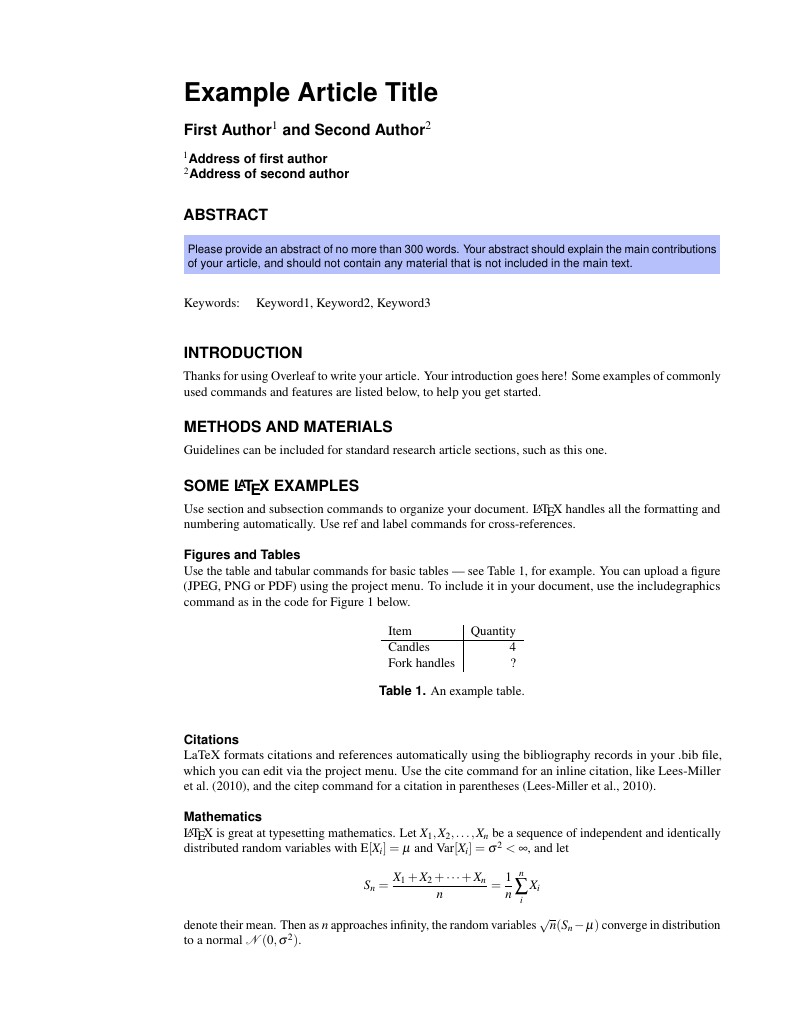
This is a basic journal article template which includes metadata fields for multiple authors, affiliations and keywords. It is also set up to use the lineno package for line numbers; these can be turned on by adding the 'lineno' option to the documentclass command.
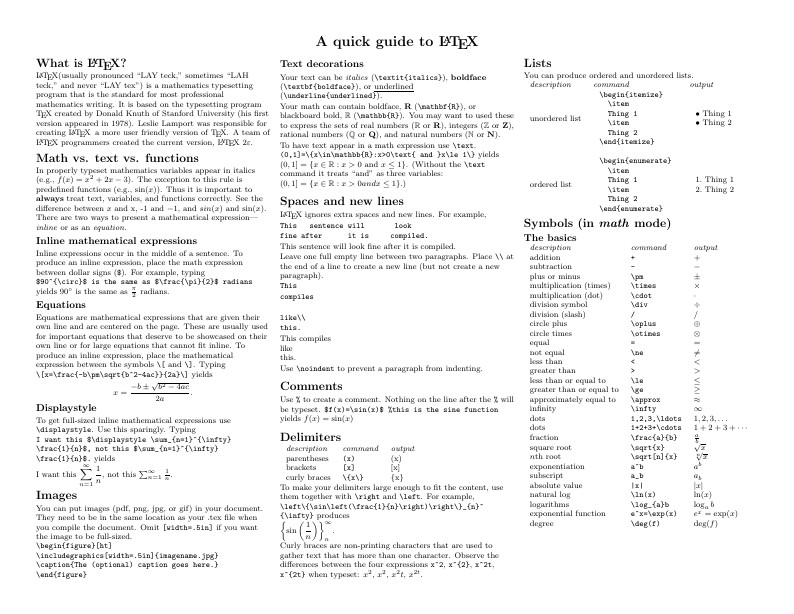
Know the LaTeX command you want to use but can't remember how to write it? Here we present a great tips sheet produced by Dave Richeson; it's pre-loaded in Overleaf so you can see how the commands work instantly. Simply click on the button above to open a version in Overleaf for editing (and to quickly copy and paste the commands you need!). For more comments visit this page on Dave's site, or if you'd like to work through a fuller introduction to LaTeX why not check out our free online course?
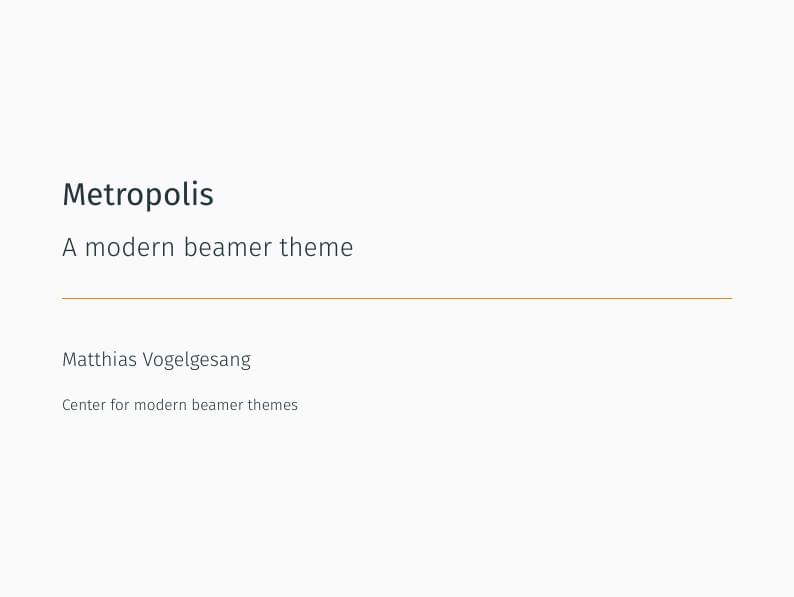
Metropolis is originally created by Matthias Vogelgesang and is available from https://github.com/matze/mtheme as well as CTAN. More information about the theme, including the design principles, can be found at http://bloerg.net/2014/09/20/a-modern-beamer-theme.html. This version demonstrates the use of a progress bar under the frame titles. See the manual for other customisation options.

Edward Tufte is a pioneer in the field of data visualization, and his works inspired the creation of two LaTeX classes for books and handouts. Here we present the excellent sample book produced by the The Tufte-LaTeX Developers pre-loaded into Overleaf (formerly writeLaTeX) for you to use as a starting point for your own work. Simply click the button above to use Overleaf to create and edit your article - there's nothing to install and no sign up required. When you're finished, use our integrated publish to figshare option to publish your work freely online. Click here if you'd like to try the corresponding Tufte handout design on Overleaf. PS: If you're new to LaTeX, our free online LaTeX course covers all the steps you need to get you started.
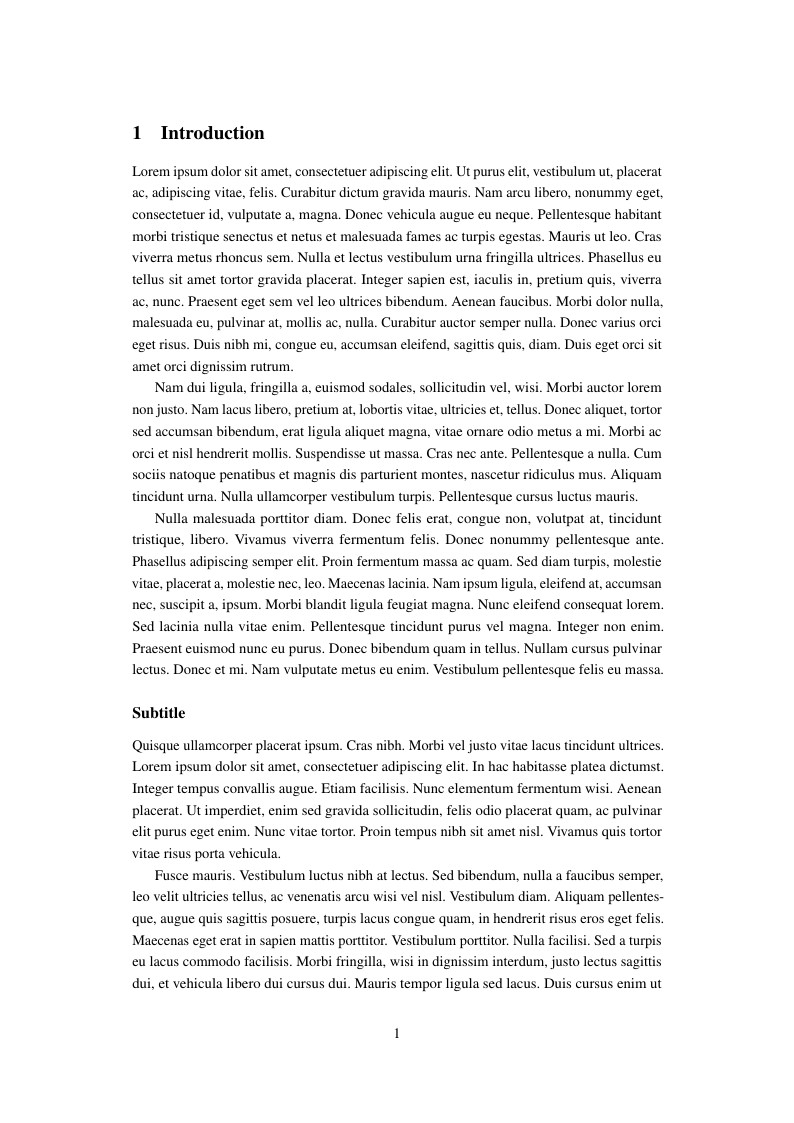
A4 document with page numbering and adjusted margins. Included options for gentium and times font, as well as language.
FAQ & Help
Who should I contact if I have questions about Overleaf or the Universität Graz license?
If you need technical support while working on any Overleaf projects, please use our contact form and we'll make sure your question gets to the right person in our team.
I'm new to Overleaf, how should I get started?
We've put together a short How do I use Overleaf help page to give you pointers on exactly that :)
You can also watch upcoming and on-demand webinars.
How do I upload an existing LaTeX project into Overleaf?
Here's how to import existing LaTeX documents into Overleaf.
What packages does Overleaf support?
Overleaf supports the packages listed here.